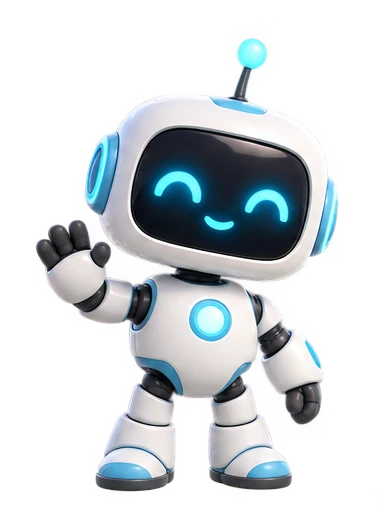
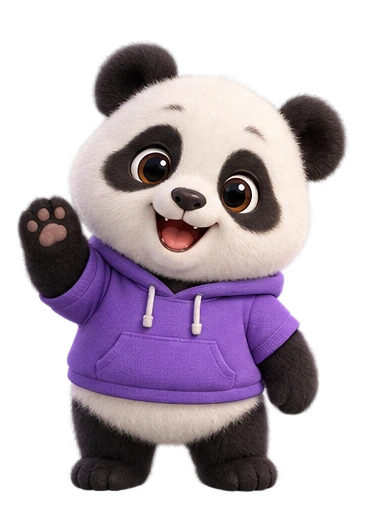
Prompt-to-character design
Describe who the character is and what they look like. The studio draws an original design in under a minute, ready for review.
- Up to 1,000 characters of description
- 1 credit per design
- Generate again before you approve
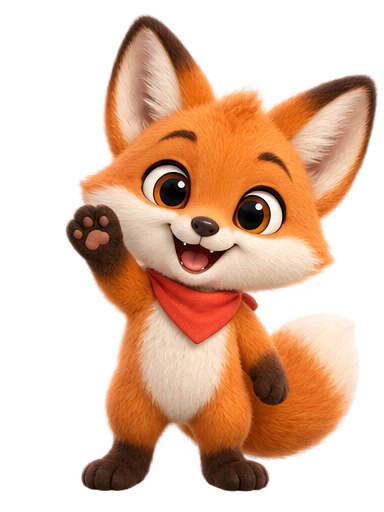 CharacterAnimationAI
Character Animation AI does one thing carefully: it turns an idea into a character you can animate again and again, and hands you files that work anywhere. Here is what is inside.
Start with words or with an image. Either way you review a still design and approve it before a single frame is animated.
Describe who the character is and what they look like. The studio draws an original design in under a minute, ready for review.
Soft 3D for friendly product mascots, Stylized for editorial illustration, Anime for expressive avatars, and Flat for clean UI and icons.
Upload an existing mascot, avatar, or illustration. The studio uses it as the reference so the animated version stays recognisably yours.
An approved design is the starting point for as many animations as you want, each one costing a single credit.
Wave, Bounce, Dance, Idle, Jump: quick, reliable motions for the moments every product needs — a hello, a celebration, a loop for an empty state.
Describe the motion in your own words — “enjoy a slice of cake”, “settle in with a book”, “take a little coffee break” — and the same character performs it.
Every finished animation is delivered in four formats at once, background already removed, so you never open a video editor just to key out a screen.
Transparent VP9 video that plays in Chrome, Edge, Firefox, and Android. The lightest way to put a moving character on a page or in a React component.
ProRes 4444 with an alpha channel for Premiere, Final Cut, DaVinci Resolve, and After Effects. Composite it over any footage.
A transparent GIF at 480px for Slack, Notion, READMEs, email, and anywhere that cannot play video.
A universally supported MP4 that keeps the original screen background — useful for previews and social posts.
The studio renders the animation on a solid screen, keys it out frame by frame, and cleans the edges so the character sits naturally on light, dark, or coloured backgrounds. Current exports are 720p.
Credits are only spent on generating. Download any animation in any format as often as you like, and re-download old ones from the animation studio.
Every design you approve lives in your library with its animation history, so a character you made last month can get a new motion today.
Generation runs on our servers. Close the tab, come back later, and the character card shows where the job is — queued, animating, or finishing — and tells you if something failed and was refunded.
Connect Claude Code, Claude Desktop, Cursor, or any MCP client and let your assistant list characters, generate designs, start animations, and fetch downloads on your behalf.