The studio splits character creation into small, reviewable steps so you never spend a credit on something you have not seen. Here is exactly what happens between your idea and the file you download.
Type a short description: who the character is, what they wear, what mood they carry. Pick a visual style — Soft 3D, Stylized, Anime, or Flat. Already have a mascot or an illustration? Upload the image instead and the studio uses it as the reference so the animated version stays recognisably yours.
Cost
1 credit per design
Input
Text prompt or image
Styles
4 visual styles
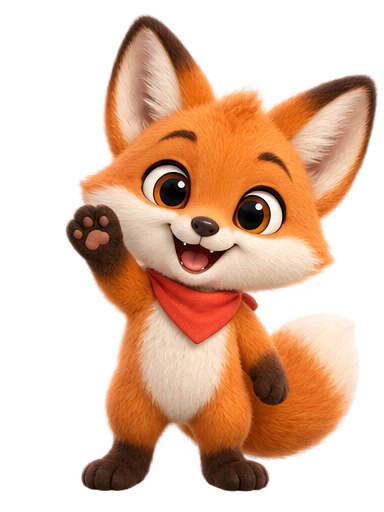
YOUR IDEAA playful orange fox, a little red bandana, a big personality. Generate character
02
Review the design before anything moves
The studio draws a still character design, usually in under a minute. Look it over. If it is not right, generate another design — each one costs a credit, but nothing is animated until you approve. Approval locks the design so every animation you make afterwards features the same character.
Time
Under a minute
Retries
Failed designs refund their credit
03
Choose a motion, or describe your own
Pick a preset or write a custom motion prompt such as “enjoy a slice of cake” or “settle in with a book”. The studio animates your approved design into a short clip. Animations take a few minutes; you can leave the page and the studio keeps working, showing progress on the character card.
Cost
1 credit per animation
Length
4, 6, 8, 10, 12 seconds, square
Repeat
Animate the same design as often as you like
WaveBounceDanceIdleJumpCustom prompt
04
Download transparent exports
When the render finishes, the studio removes the background automatically and prepares every format at once. Drop the WebM into a website, the ProRes MOV into a video editor, the GIF into a chat or a README, or the MP4 anywhere that needs a plain video.
Designs appear in under a minute. Animations render in a few minutes because the clip is generated, keyed for transparency, and encoded in four formats. Progress is visible on the character while it works.
When something goes wrong
If a design or animation fails, the credit comes back automatically. Retrying a failed job reuses saved work where possible so you are never charged twice for the same attempt.
Starting from your own image
Use a clear image of a single character on a simple background. The studio redraws it in your chosen style and keeps the features that make it recognisable, then animates the approved result.
Writing a good custom motion
Describe one action and its mood: “wave hello, shy and happy” works better than a list of five things. Keep the character in place; pick the length to match the action: 4 seconds suits a single gesture, 12 seconds a small routine.
Using the exports
WebM keeps transparency in Chrome, Edge, Firefox, and Android. For Safari, use the MOV in a video tool or the GIF. In React, a looping <video> with the WebM source is the lightest option.
What is included in every plan
All styles, all motion presets, custom motions, image uploads, every export format, and MCP access are included on every plan, including the free credits. Plans differ in credits, motion tier, license, and support.